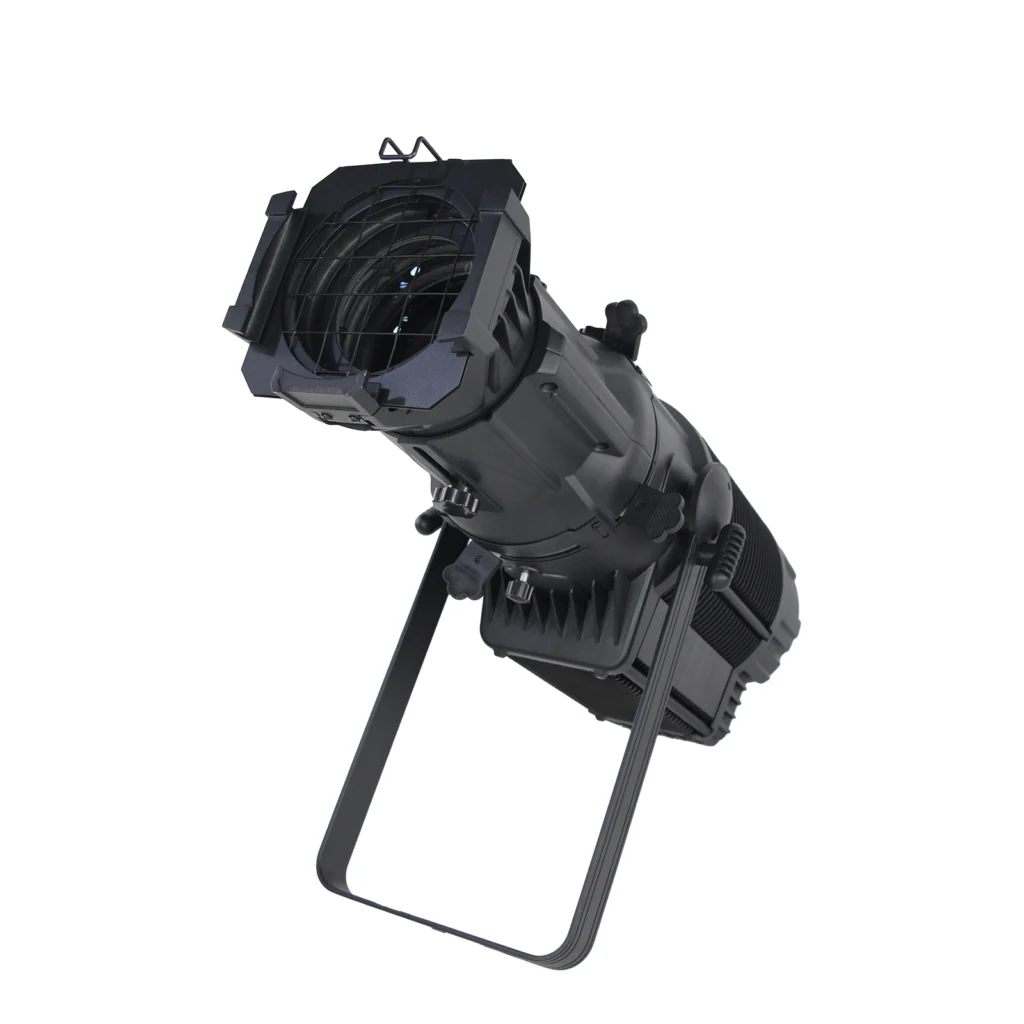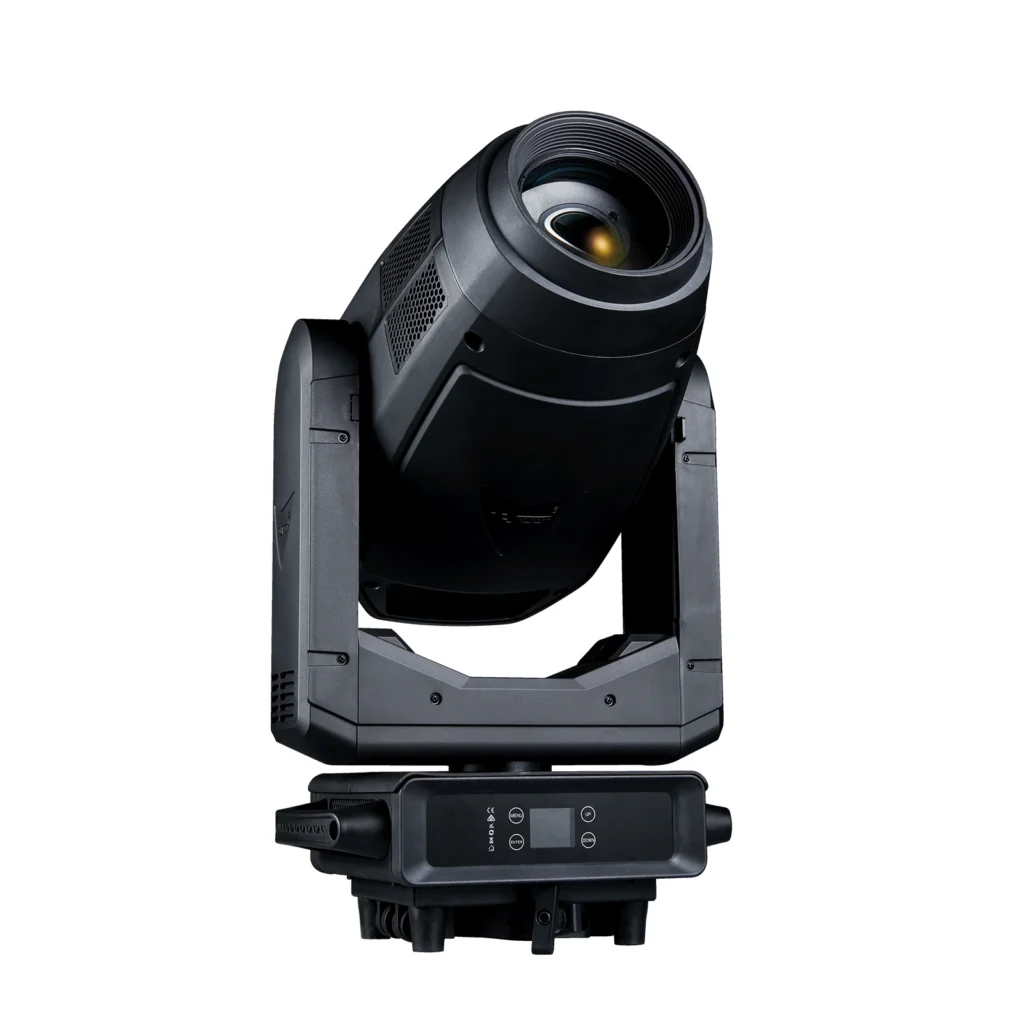
As moving lights gain more features, one basic function that greatly affects image quality is often overlooked — focusing. Adjusting beam size and pattern sharpness takes your creativity to the next level.
Focus
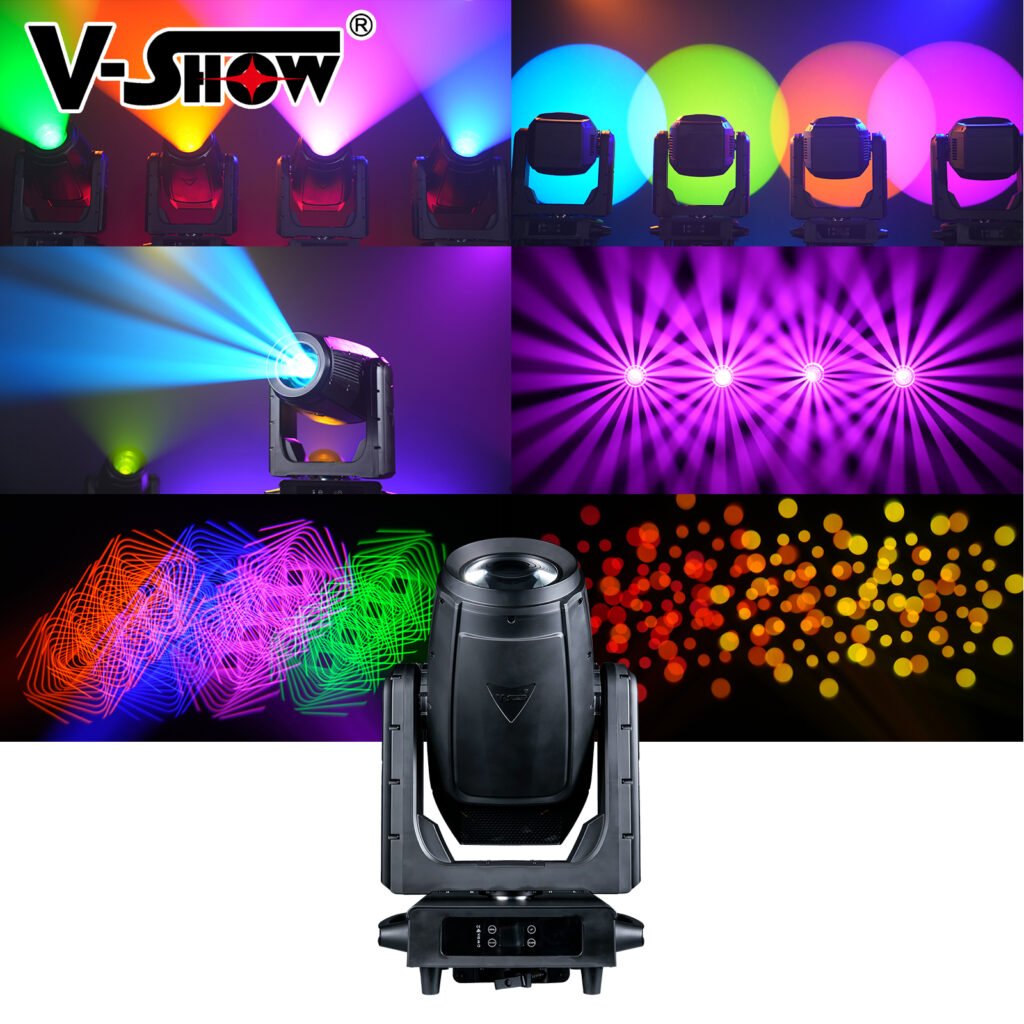
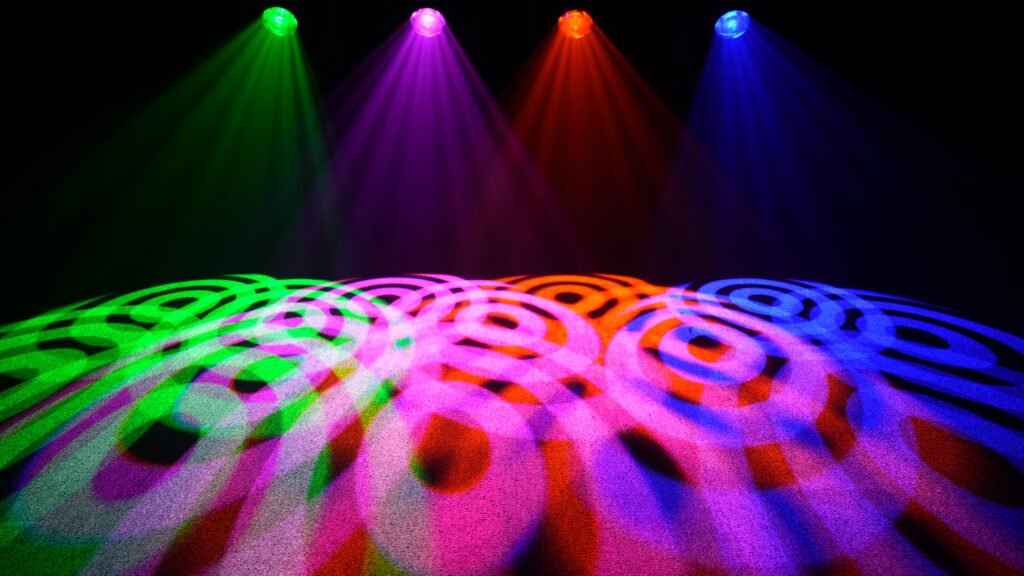
Sharp gobo projection is a key benchmark of optical quality in profile moving heads. Likewise, softening the beam edge via focus is a common technique for wash lights.
Most fixtures use two channels for focus, enabling fine 16-bit control — like the coarse and fine knobs on a microscope. This lets you project a company logo with perfect clarity at events like annual galas.
Like color and position, focus should be saved as presets for quick recall. Almost every console groups focus and zoom into one preset category, since they are essentially related.
Many designers actually prefer slightly soft images and spend time dialing in the texture — and they have at least five reasons why a little blur is better.
Once, a foreign musical toured Shanghai. The local programmer sharpened the gobos in many scenes, changing not just patterns but the whole look of the show — and had to spend hours fixing his mistakes.
Zoom
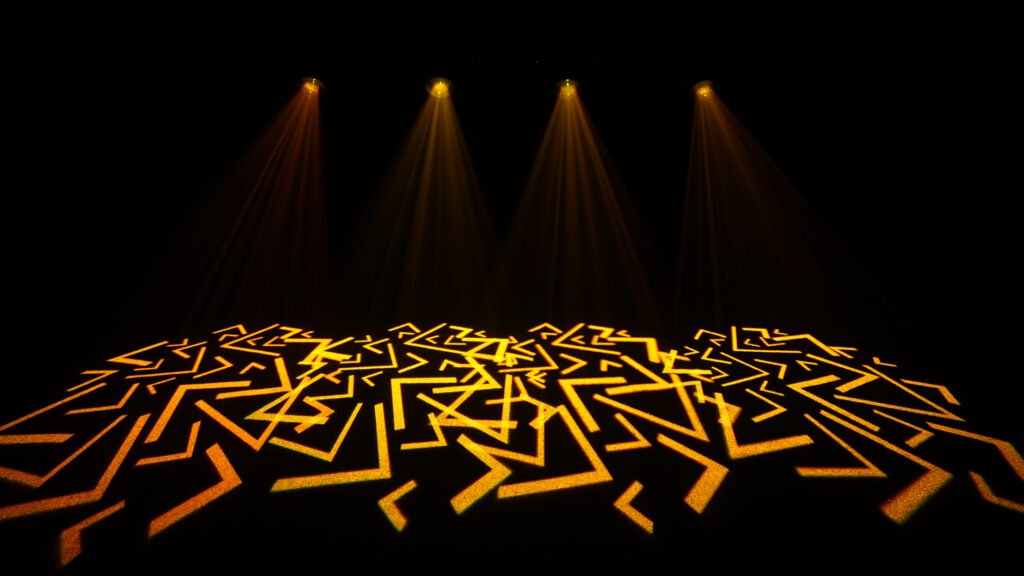
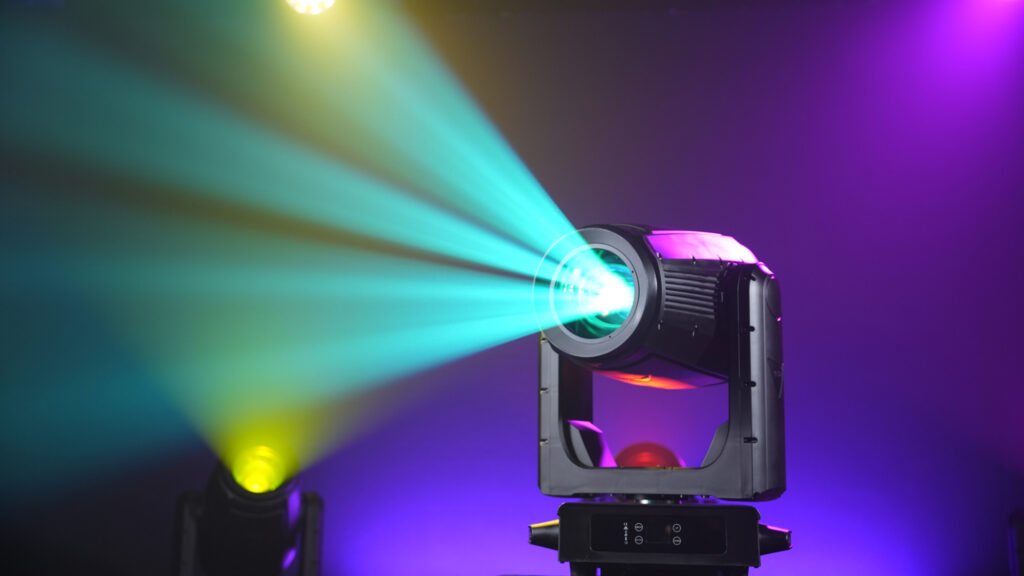
Zooming affects the beam’s average brightness: the larger the beam, the lower the brightness, and vice versa. Some fixtures use software algorithms to manage this variation.
Some fixtures can’t project sharp patterns at both maximum and minimum beam sizes. Not exactly a defect, but consider it before buying.
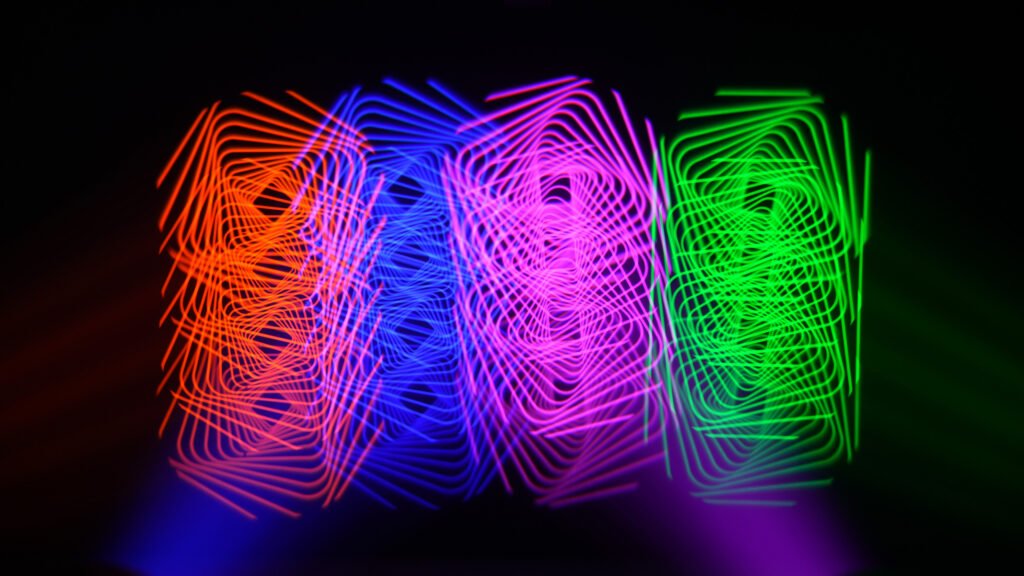
Also, at certain lens positions, some effect components can’t enter the optical path. A prism, for example, may interfere with imaging at minimum beam size; some fixtures block the prism within certain zoom ranges, or retract the lens group to a safe position when a prism is loaded.
Auto-Focus
Auto-focus (automatic focus) has gradually appeared in moving lights since late 2018. It keeps patterns sharp while zooming in and out. It sounds smart, but you must estimate the projection distance when setting it up, so the software can calculate the tracking. Some fixtures simplify this by letting you choose between near, medium and far distances — a wrong estimate means inaccurate tracking.
Once auto-focus is on, the console’s zoom and focus parameters are ignored by the fixture, so related presets won’t load. It’s not that your light is broken — it has developed a mind of its own.
A Final Note
Don’t be confused — you should now see more clearly. These two functions hold more nuance than you might think. Never overlook focus and zoom before using any fixture.