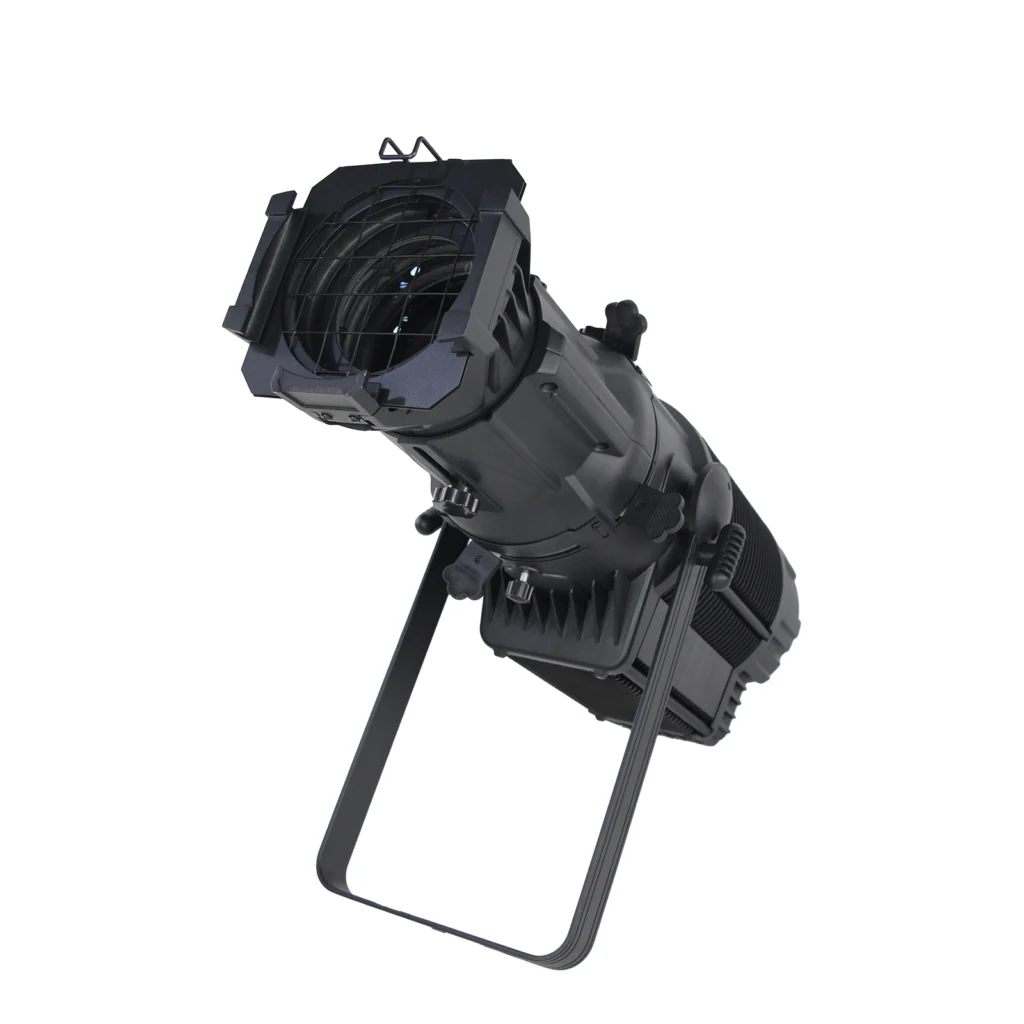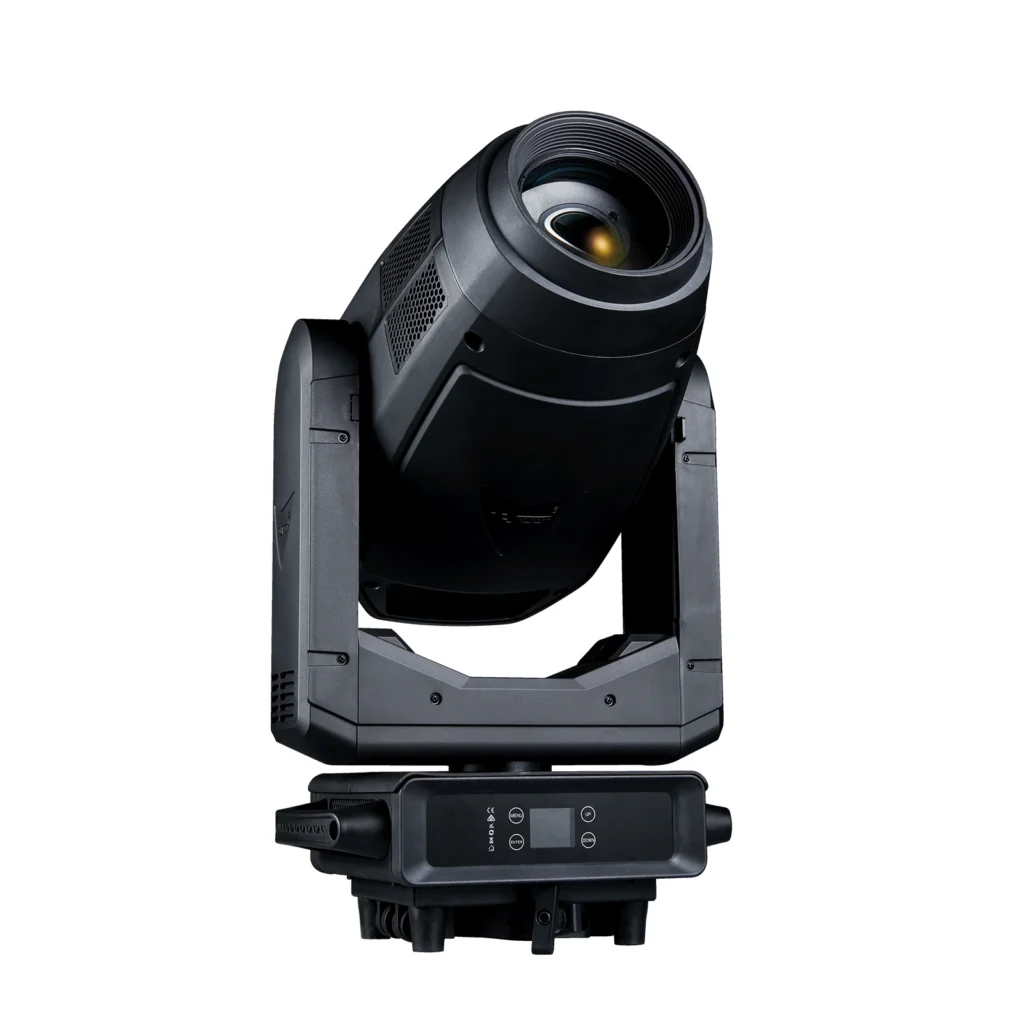
Running small parties, street events or casual shows often requires moving head lights to work automatically without full-time operators. For new users with limited lighting experience, simple, reliable and safe operation is the top priority. This guide shares practical, beginner-friendly ways to set up auto-running moving heads, taking the S716 200W 3-in-1 LED moving head as an example. All methods follow standard lighting rules and safety specifications.
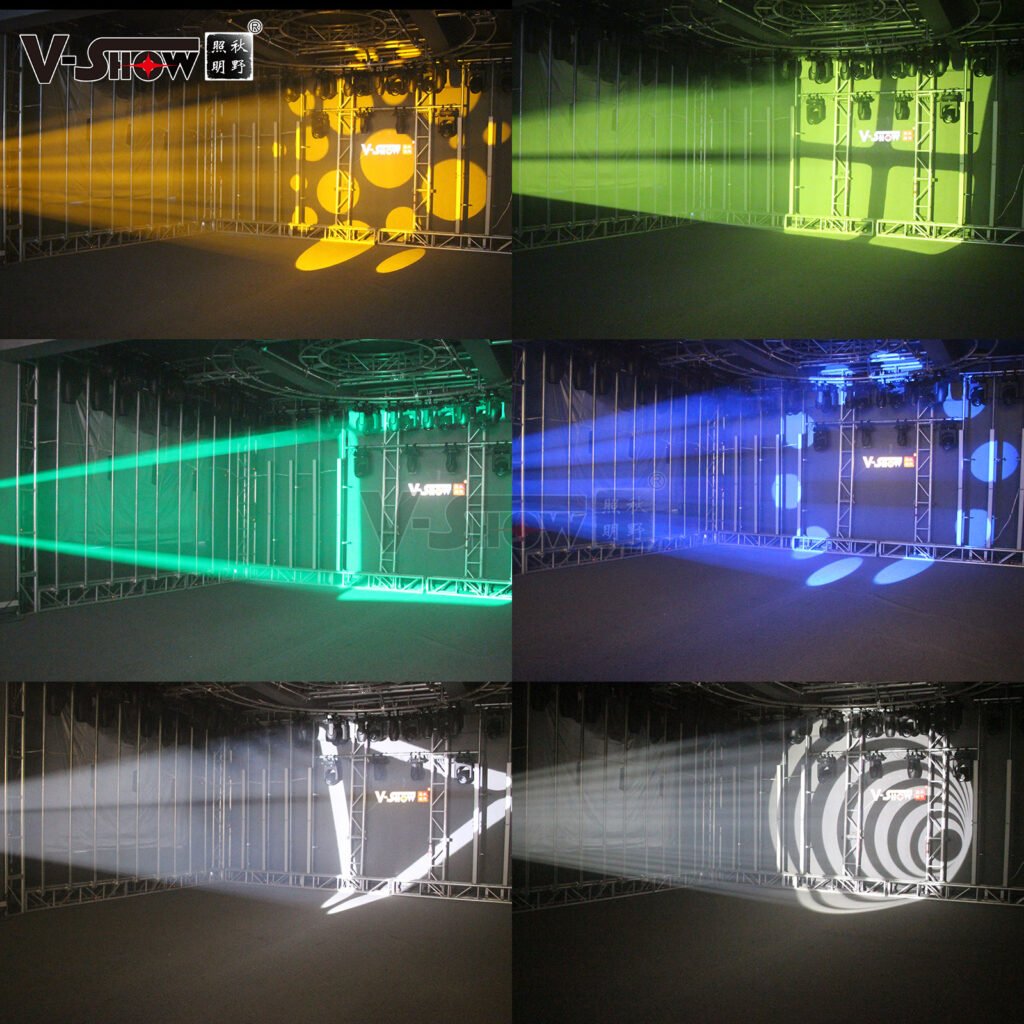
1. Built-in Auto Mode (No Extra Gear)
Best for short events or quick setup.
- Power on the fixture. It will finish self-check automatically.
- Press MENU → select Run → choose Self-propelled. The light runs pre-set dynamic effects directly.
- For multiple units: Set one as Master and others as Slave. Connect them with XLR cables for synchronized performance.
Pros: Zero learning curve, plug-and-play.
Note: Fixed effects, suitable for basic atmosphere only.
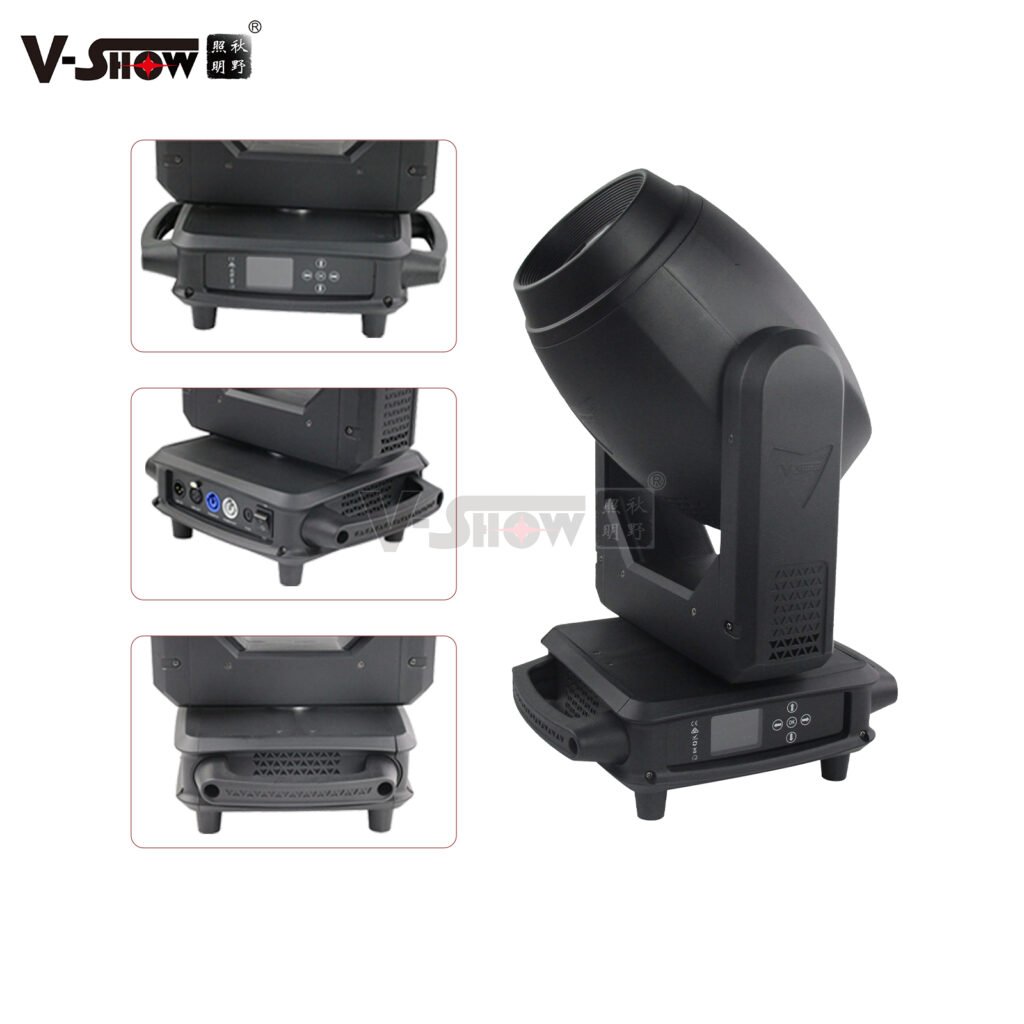
2. DMX Controller Setup (Custom Effects for Medium Events)
Ideal for 3–4 hour activities with personalized lighting.
Step 1: DMX Address Setting
This model uses 20 DMX channels.
- 1st light: Address 001
- 2nd light: Address 021
- 3rd light: Address 041 Connect lights in series with shielded XLR cables. Add a 120Ω DMX terminator on the last unit for long cables to avoid signal interference.
Step 2: Simple Programming
- Switch the fixture to DMX512 mode.
- Adjust pan, tilt, color, gobos and dimming via the controller.
- Save your favorite look as a cue, then enable loop playback.
- Add 2–3 different cues with timed switch for richer visuals.
Pros: Fully adjustable effects, stable performance.
3. DMX Recorder (Hands-Free for All-Night Use)
Perfect for long events needing full unattended operation.
- Program desired lighting scenes on a DMX controller and record signals to the DMX recorder.
- Disconnect the controller, link the recorder directly to S716 lights.
- Turn on loop playback. The system runs non-stop automatically.
Pros: Portable, no on-site operation needed after recording.
4. Safety & Troubleshooting Tips (Key Rules)
- This fixture is for indoor dry use only. Keep 0.5m clearance for ventilation and 1m away from objects. Install safety chains when hanging.
- Do not connect the light to dimmer packs. Avoid frequent power cycling.
- Light not responding to control: Check DMX address, cable connection and terminator.
- Pan/tilt malfunction: Run XY Axis Reset in the menu first; do not disassemble the unit by yourself.
Final Pick for Different Scenarios
- Short casual events: Built-in auto mode
- Small parties & shows: DMX controller with loop cues
- All-night unattended use: DMX recorder
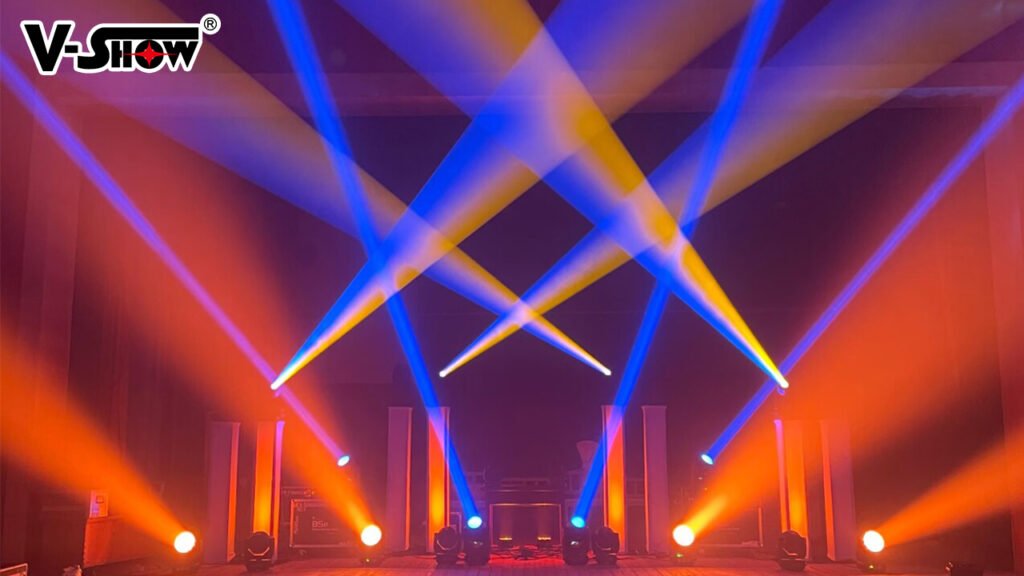
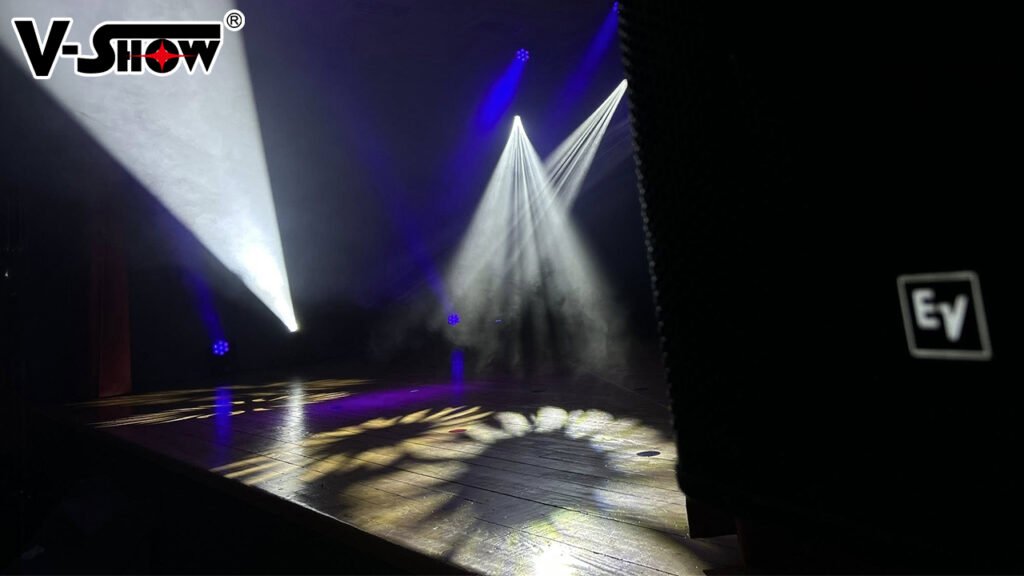
With these simple methods, even new users can operate professional moving head lights safely and efficiently for all kinds of on-site activities.